
Study guides
25/5 vs 50/10: choose your study rhythm
25/5 means 25 minutes of focus followed by a 5-minute break. 50/10 doubles both intervals. Both give you the same ratio of work to rest; the difference is how often you pause.
What changes between the two schedules?
| Schedule | 25/5 | 50/10 |
|---|---|---|
| Focus block | 25 minutes | 50 minutes |
| Short break | 5 minutes | 10 minutes |
| In one hour* | Two blocks, two breaks | One block, one break |
| Try it with | Flashcards, short exercises, getting started | An essay draft, a longer problem, sustained reading |
*Assuming short breaks only. A scheduled long break changes the total. Both examples contain 50 minutes of focus and 10 minutes of rest.
Try 25/5 when starting feels difficult
A smaller commitment can be easier to schedule. Try one 25-minute block for ten practice questions, a flashcard set, or an outline. At the break, check whether the task was the right size.
Frequent pauses also give you more chances to change direction. If you are studying several small topics, use each block for one topic instead of switching repeatedly during a single countdown.
Try 50/10 when a task needs more uninterrupted time
A longer block may fit a task with setup time: reading a dense passage, drafting an argument, or working through a multi-step problem. Choose a clear stopping point before starting, such as a rough introduction and two supporting paragraphs.
You do not have to earn a break by reaching zero. If you are repeatedly losing the thread or feeling tired well before the end, shorten the next block. Neither schedule guarantees better concentration or learning.
How to set either schedule in Sakura Focus
- Open the extension and go to Settings while the timer is idle.
- For 25/5, set Focus duration to 25 and Short break to 5. For 50/10, enter 50 and 10.
- Choose Long break and Sessions before long break separately. For example, four 25-minute sessions or two 50-minute sessions both total 100 focus minutes before a long break.
- Press Save, return to the timer, and check the displayed duration. If a category is selected, its focus duration can override the default; clear the selection or edit the category to match.
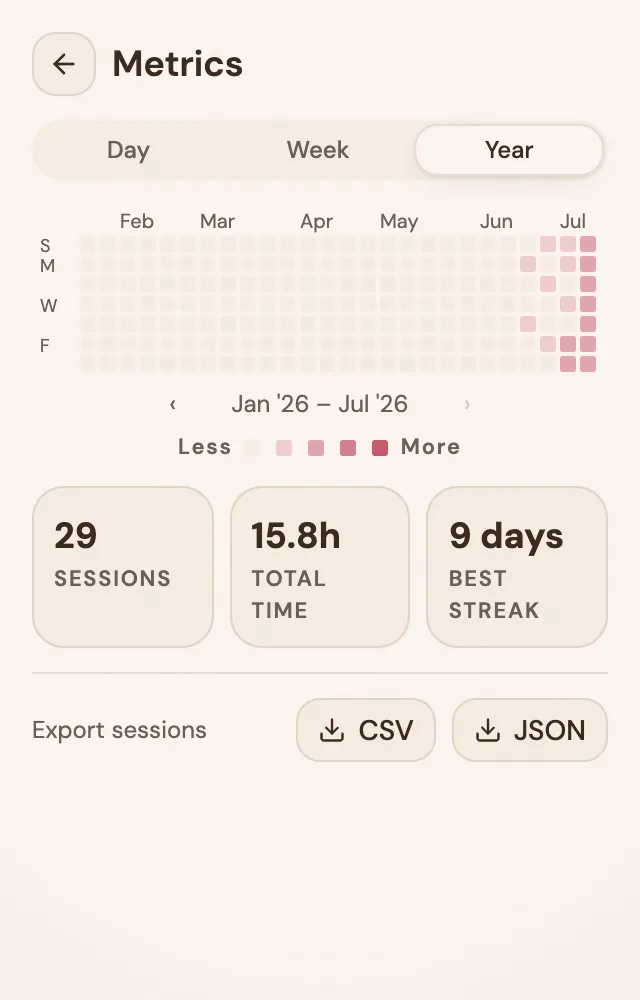
Both schedules work on Free. Pro adds automatic starts for focus and break intervals. Sign in before your session to save progress and review your statistics afterward.
Choose by the task, then adjust
Try each schedule on comparable work on different days. Write down what you finished and whether the pauses came at useful moments. Sakura Focus can record the time, while your notes capture whether that time helped.
Start with 25/5 if you are unsure. Move to 50/10 when the shorter block consistently interrupts work you are ready to continue. You can also choose a different custom interval instead of making either schedule a rule.