
Study guides
How to use a Pomodoro study timer
A study timer gives your next task a beginning, an end, and a place to pause. Here is a worked example you can try with Sakura Focus in Chrome: two focused blocks for reviewing a chapter.
1. Choose something you can finish
Replace “study biology” with a specific task, such as “read the section on cell division and write five recall questions.” Put the chapter and your notes within reach before starting. The timer measures time; your task tells you what that time is for.
For this example, use your first focus block to read and write questions. Use the second to answer them without looking at the chapter, then check what you missed.
2. Set up Sakura Focus in Chrome
- Install Sakura Focus from the Chrome Web Store, then open Chrome’s Extensions menu and pin it.
- Open Sakura Focus. You can try the timer without an account; sign in before studying if you want your sessions, statistics, and grove saved.
- Open Settings. Set Focus duration to 25 minutes and Short break to 5 minutes.
- For this two-block example, set Sessions before long break to 2 and Long break to 15 minutes. Press Save.
- Return to the idle timer and check the duration before starting. A selected category can supply its own focus duration; clear that selection or adjust the category if it differs from your plan.
These are starting values, not a requirement. Custom focus and break intervals are available on the Free plan. Auto-start is a Pro feature; with Free, start each next interval yourself.
3. Focus on the task, then take the break
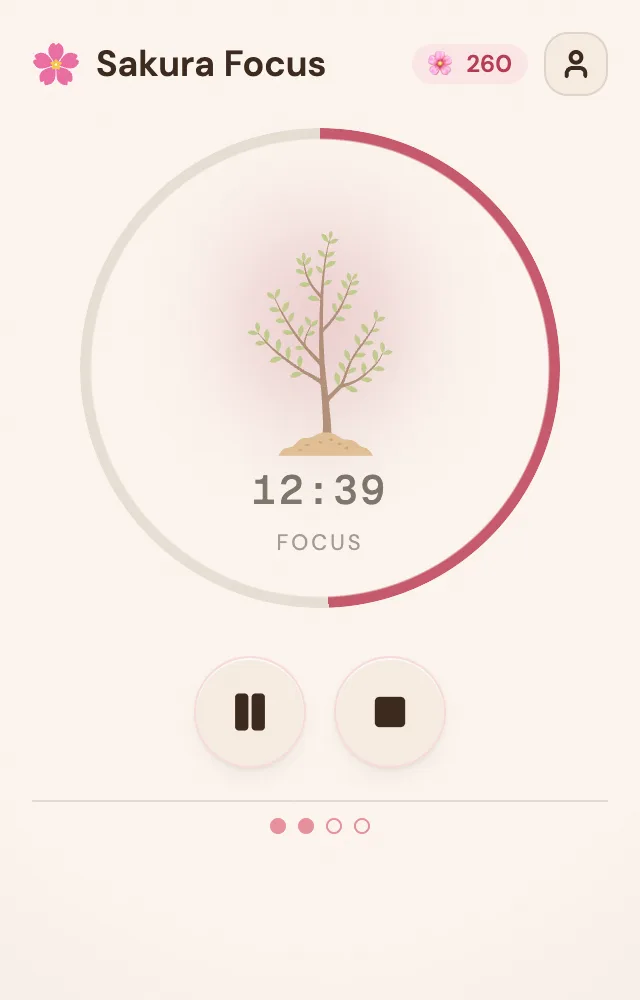
Start the first session and work on the chapter. Keep a small note for unrelated tasks that come to mind so you can return to them later. Sakura Focus times the session; it does not block distracting websites.
When the session ends, leave the chapter for your five-minute break. Stand up, get water, or look away from the screen. Then start the next focus block and answer the questions you wrote. If the plan no longer fits, adjust it rather than treating the countdown as a test you have to pass.
4. Review the work and your growing grove
After the second block, take the longer break and check your answers. Note one topic to revisit next time. Two completed 25-minute focus blocks give you 50 minutes of focused study, excluding breaks.
When signed in, completed focus sessions grow your tree; finishing the full cycle lets it bloom and join your grove. Open Metrics to review your time and session history. Free includes daily and weekly views within 90 days of history. Yearly trends and CSV or JSON export require Pro.
Your session total is a record of time spent, not a score for how much you learned. Pair it with the questions you can now answer, and choose the next task from there.